AI Trip Planner
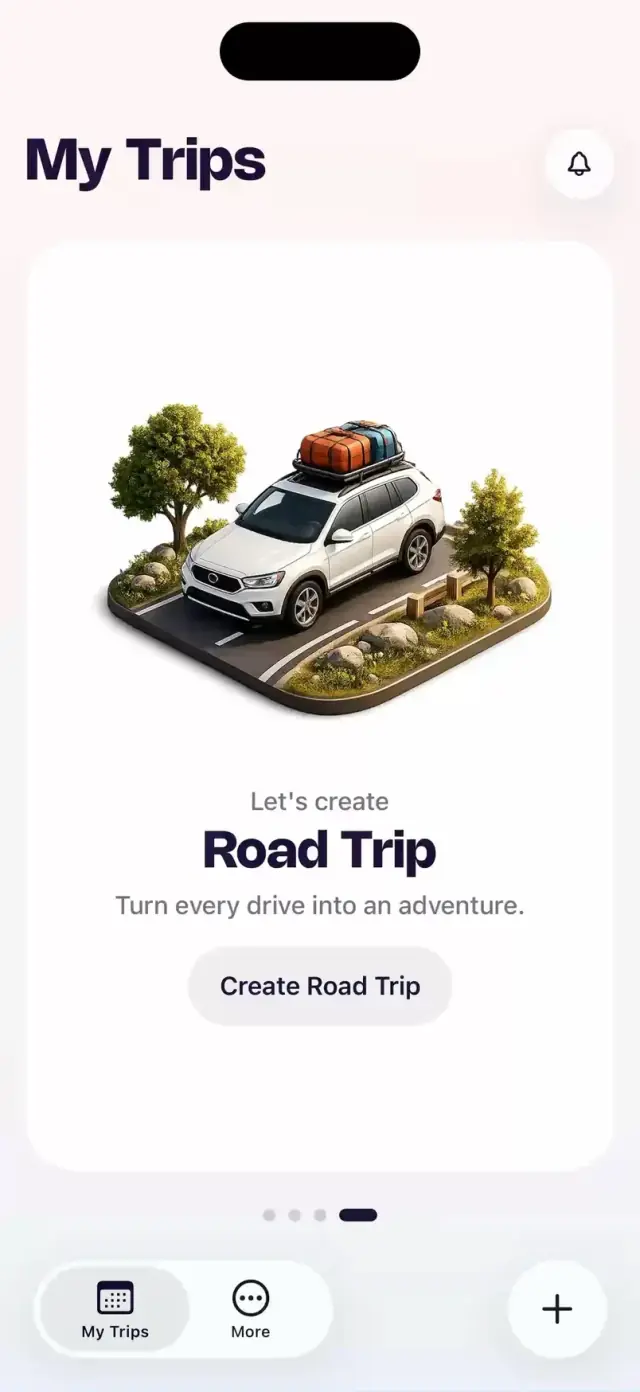
Tell us where you start and where you finish. Tripin builds the route, the overnight stops and every day in between.
A full road trip in minutes.


 starts with twenty open tabs,
  three maps
  and one generic route.
Tell us where you start and where you finish. Tripin builds the route, the overnight stops and every day in between.
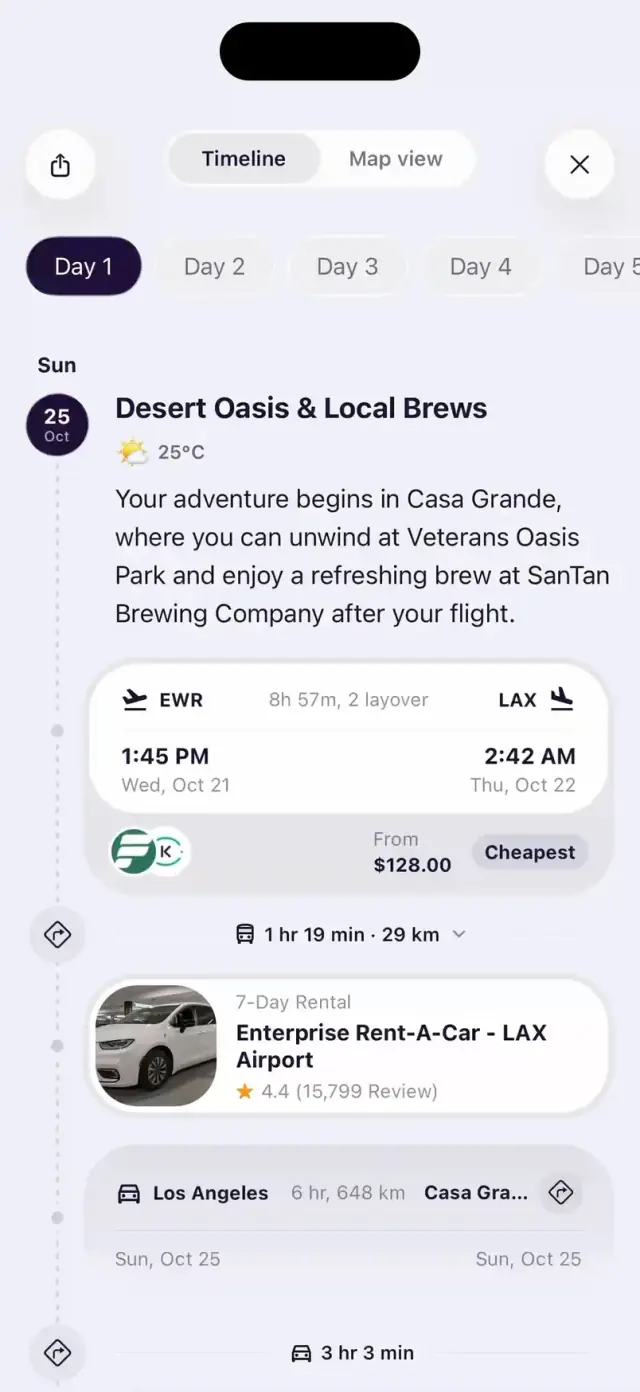
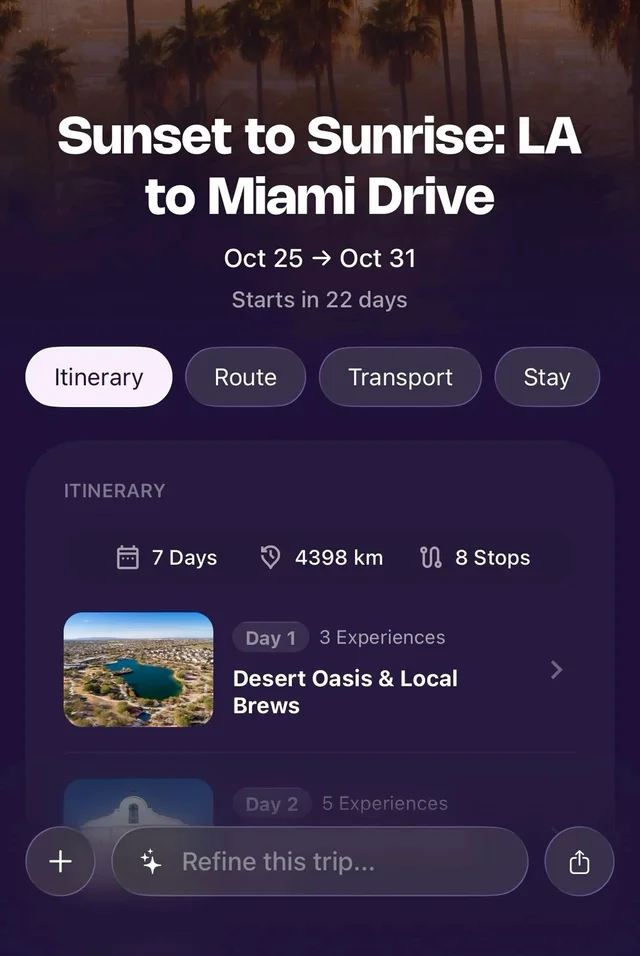
Every day planned stop by stop, every drive timed, and your whole route on one map.
Your trip stays on your phone, even without signal. Open any day in Google Maps or export it as PDF or GPX.

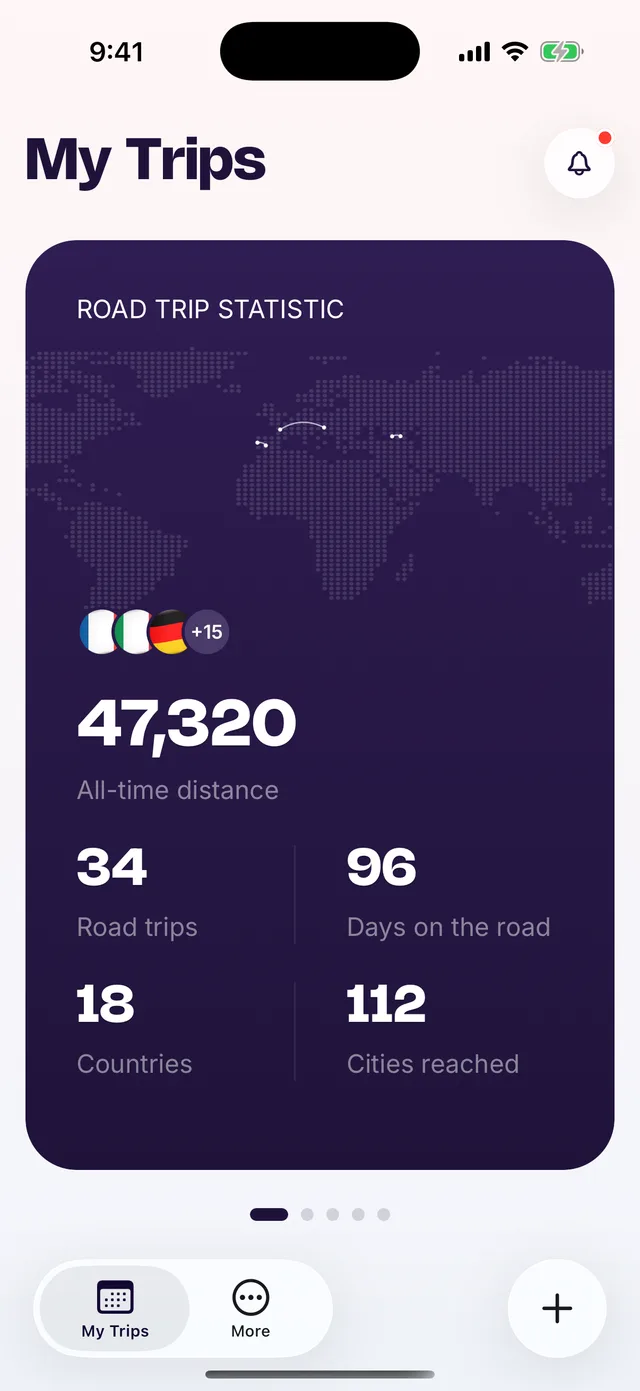
Distance driven, countries reached, your longest day. Every road trip adds up to a recap you can share as a story.

 seriously.
 Stops and hotels come from Tripadvisor and Google Maps. If we can't verify a place, we don't show it.
Drive times and legs are computed with Google Maps, so your daily plan is one you can actually drive.
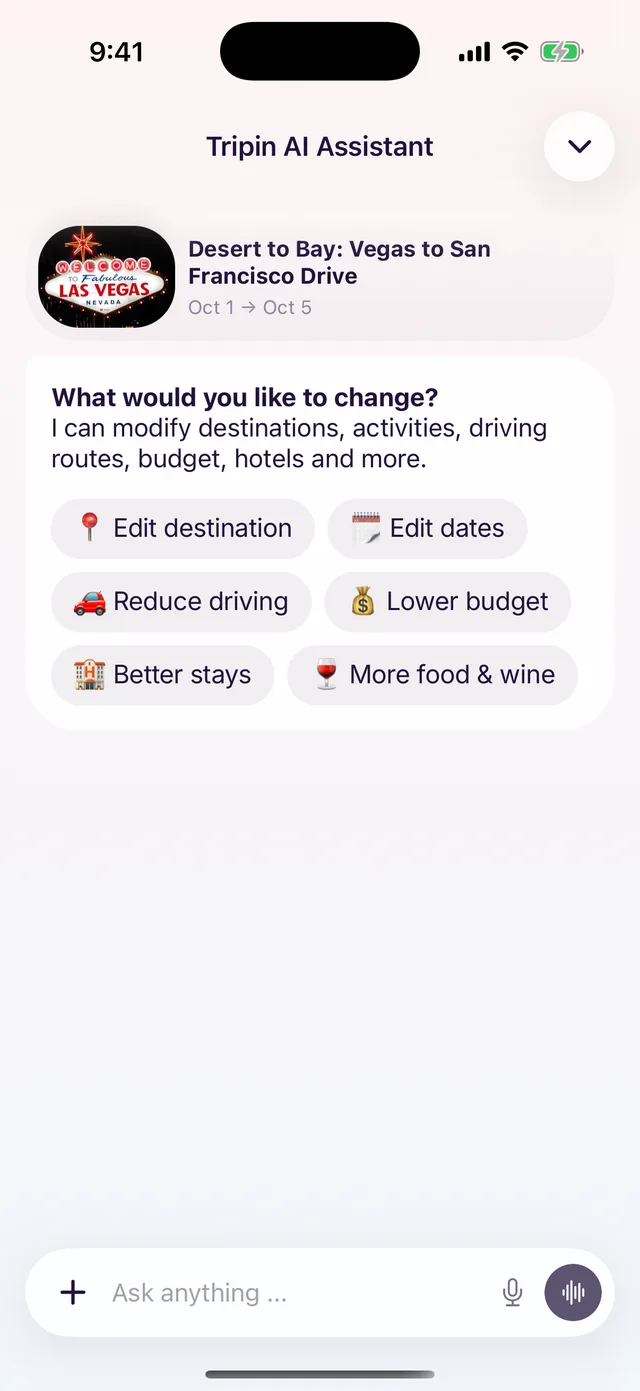
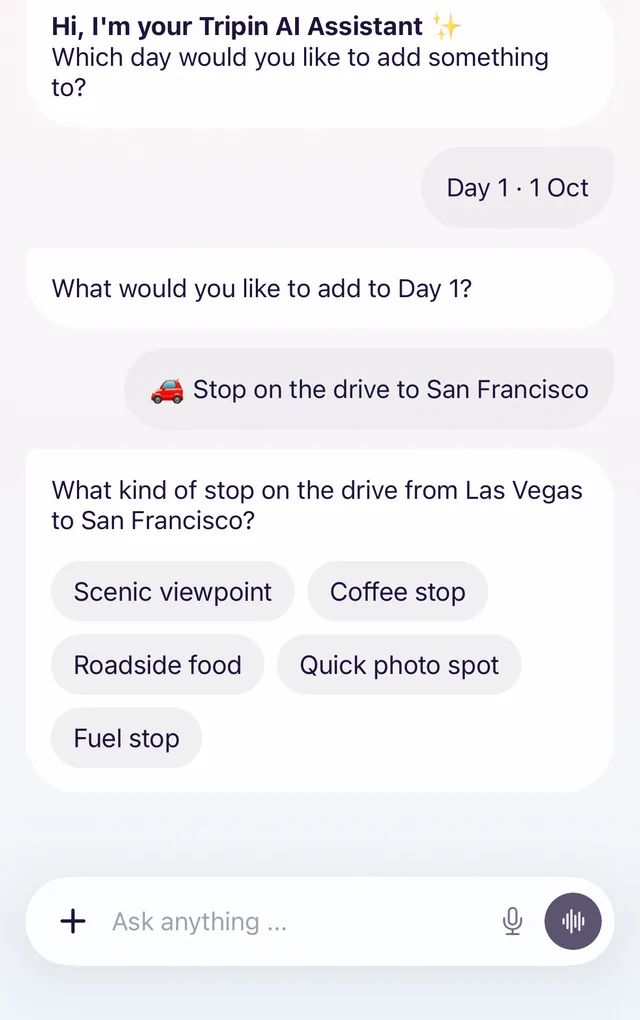
The assistant understands plain requests like “less driving on day two” and rebuilds the plan around them.
Sign in with Apple or Google. Your data is stored encrypted and never sold.
Still curious? Write to us at info@tripin.ai and a real person will answer.
Tripin is an AI road trip planner for iPhone. Pick where you start and where you finish, choose your dates, and answer a few quick questions about your driving style: how many hours a day you like to drive, how many overnight stops you want and what you care about on the way. Tripin then plans the whole trip for you: the route, where to sleep each night, what to see and eat along the way, and every day in between.
About two minutes of your time. The questions take a minute or two, and Tripin builds your complete day-by-day itinerary in the background in a few minutes more. What usually takes evenings of research across tabs, maps and review sites is ready before your coffee is.
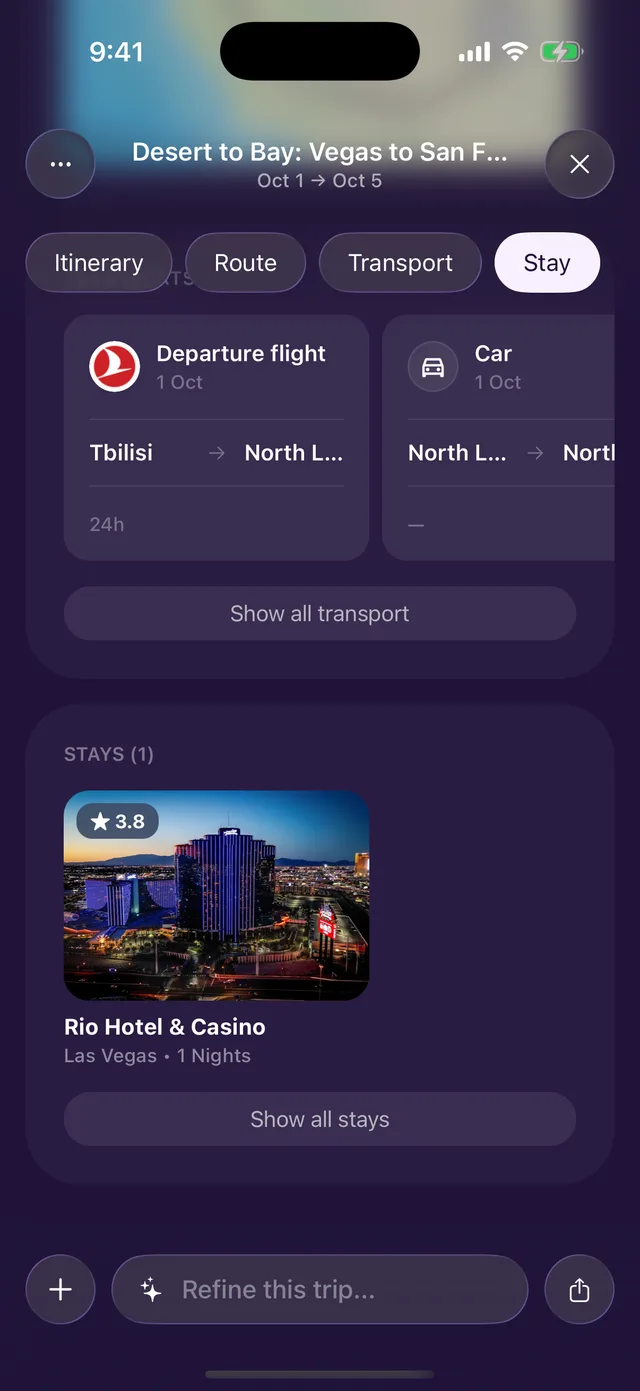
Each day has a timeline of stops with drive times between them, a route map you can open in Google Maps, overnight stays, and places to eat and visit. You also get a transport overview with flight options if you need to get to your starting point, plus road trip stats like total distance and the kind of terrain you'll drive through.
Yes, as much as you like. Ask the Tripin AI Assistant in plain words, like "less driving on day two", "add a scenic coastal road", "find a fuel stop" or "swap this hotel", and it rebuilds the plan around your request. You can also add stops yourself or let the AI suggest them.
Yes. Stops, restaurants and hotels come from Tripadvisor and Google Maps, with real ratings, addresses and coordinates, and drive times are calculated with Google Maps routing. If a place can't be verified, Tripin doesn't show it. Opening hours and availability can change, so check them before you go.
Yes. Your trips stay saved on your phone, you can open any day's route in Google Maps with one tap, and you can export the whole trip as a PDF or a GPX file for your navigation app. Handy where the signal drops.
Tripin finds the options and sends you straight to book them: each stay links to its Tripadvisor page, and flights link to the provider. You book on the platform you prefer, at its price.
Downloading Tripin and planning your first trip is free. The full day-by-day itinerary, route tools and extras like trip videos and your year in review come with Tripin Premium, which starts with a free trial. You can cancel anytime in your App Store settings.
Tripin is on iPhone today. An Android version is on the way. Leave your email at the bottom of this page and we'll let you know when it's ready.
Yes. You sign in with Apple, Google or Facebook, your trips are stored securely, and we never sell your personal data. You can ask us to delete your account at any time at info@tripin.ai.
We use cookies to understand how Tripin is used and to measure our ads. Privacy policy